My Moe Desktop Rice 2026

Like any Linux nerd I have been into ricing for a while, stalking the good folks over on r/unixporn and making my own Hyprland rice.
But for the past 6 months or so I've been using KDE.
And the past 2 weeks I have gone back from Wayland to X11 (it's just more stable)
This just so happened to coincide with me discovering this community:
https://www.reddit.com/r/MoeDesktop/
It's like r/unixporn but for classic 2005 otaku desktops, invoking the feeling of Moe (pronounced mo-eh).
 Contributors to Wikimedia projects
Which just means cuteness (or something like that) in Japanese
So I thought I would try my hand at a Moe rice.
aeroshell-desktop
My first stop was this KDE Aero Plasma theme, since I'm a big big fan of the Vista aesthetic.
I installed it in one Paru command and it worked 🥳 My desktop does look like Vista now!!
Colour Matching
I'm using this wallpaper from Nekopara:

It's really cute!
There's things in Python you can do to study the images colours using ImageMagik and match your colourscheme to it.
 Tanbir Jishan
So after Aero and my wallpaper I did this!
Cursor
In KDE you can edit your cursor super easily
I went into KDE cursor store and got my Miku cursor!


Building Custom Widgets
Like any good Otaku and doujinsoft fan I needed widgets.
Contributors to Wikimedia projects
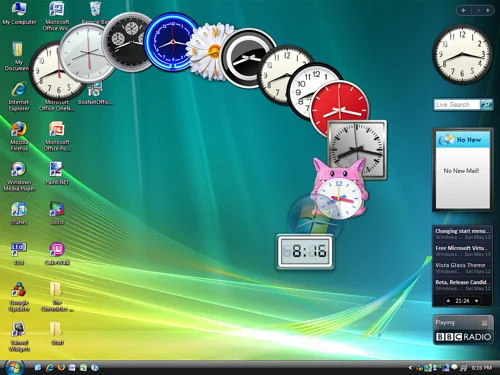
Remember how cool it was in Vista!?
So I looked at the defaults.
I added the Photo Gallery widget
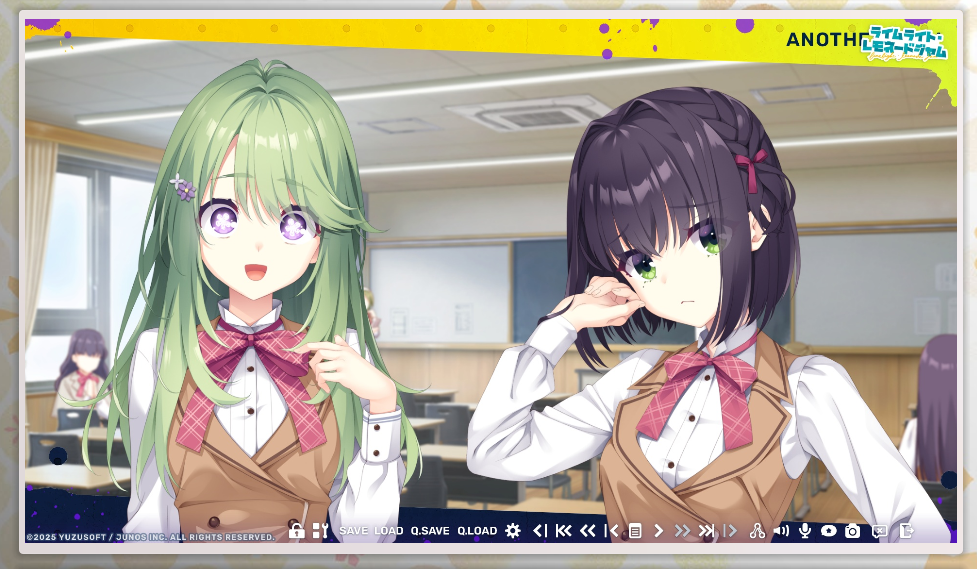
Because I take so many screenshots of anime / visual novels I just pointed it at my folder.
In this game her eyes reminded me of Oshi No Ko!
Contributors to Wikimedia projects
Second widget is weather!
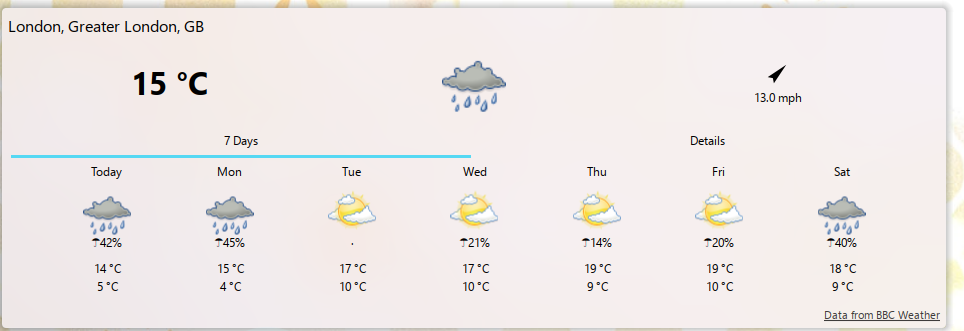
I live in the UK
Somedays it's super sunny, the next it's raining.
Last week I went to work in a coat. Everyone else was in cute dresses and skirts.... I was the odd one out :/
Never again since I added this widget!
But I had the thirst for more. MORE MOE WIDGETS!
So like any good 2026 coder I asked my AI bot to build them for me lol
City/landmark
Like any late 20s white girl that visited Japan, I miss it dearly
I told AI to build me a widget where once a day it'll show me a location from Japan, a photo of it, the Wikipedia description and let me click on it to go to Wikipedia:
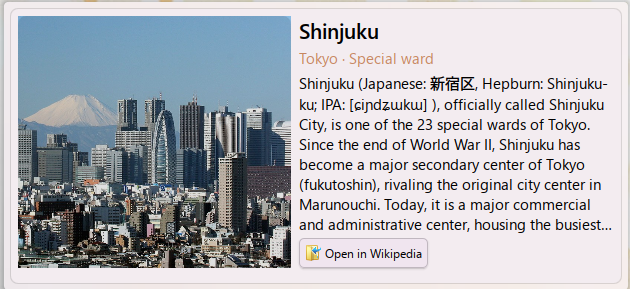
Works quite well!
I even asked it to make curated lists, so there's one for the West of Tokyo (I lived in Suginami-ku, so I miss that part in particular)
Word a day
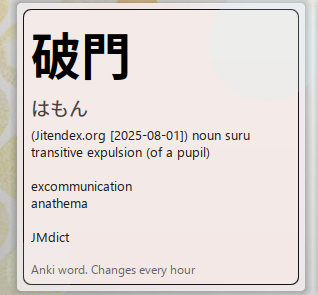
Every day (well, every hour) it picks a random word from my Anki deck and shows it to me.
No Anki? No problem!
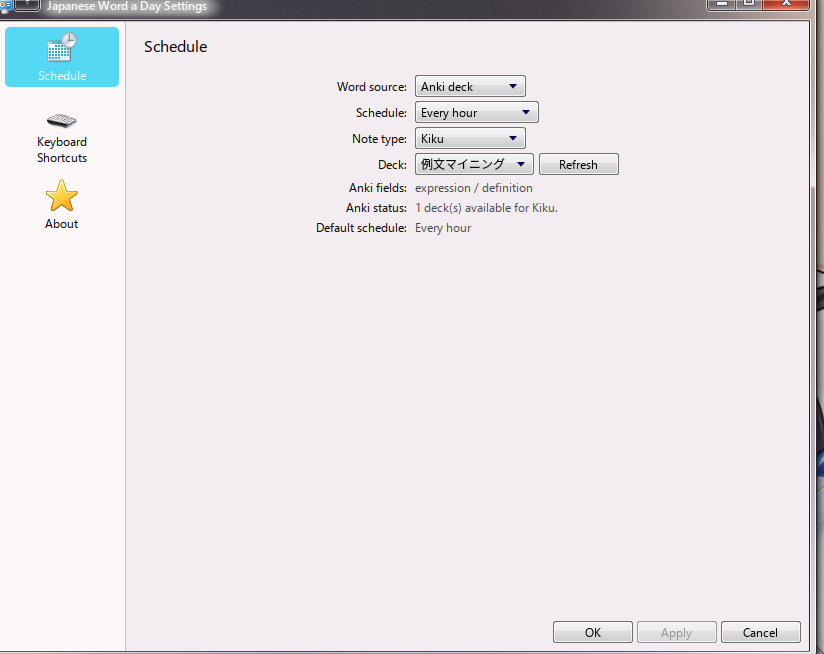
We can change it to Local only and see a local word list of curated, fun words :)
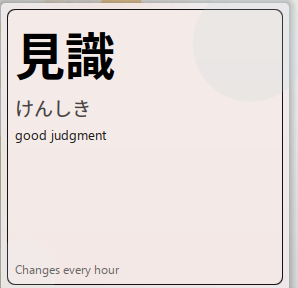
This is prettier than my Anki cards anyway, which are.... full of HTML and ugly...
Moe Clock

I built this from a GitHub repo called Moe_Counter or something
It's just a clock, pretty cool!
Someone did this on Windows already so I just made it a KDE widget :)
Split Clock
I wanna see:
- The time in Tokyo and London (where I live)
- If it's daylight or not
- Moon phase
- If the sun and moon are visible at the same time
So I vibe coded this!

The moon is not visible in Tokyo rn
Conclusion
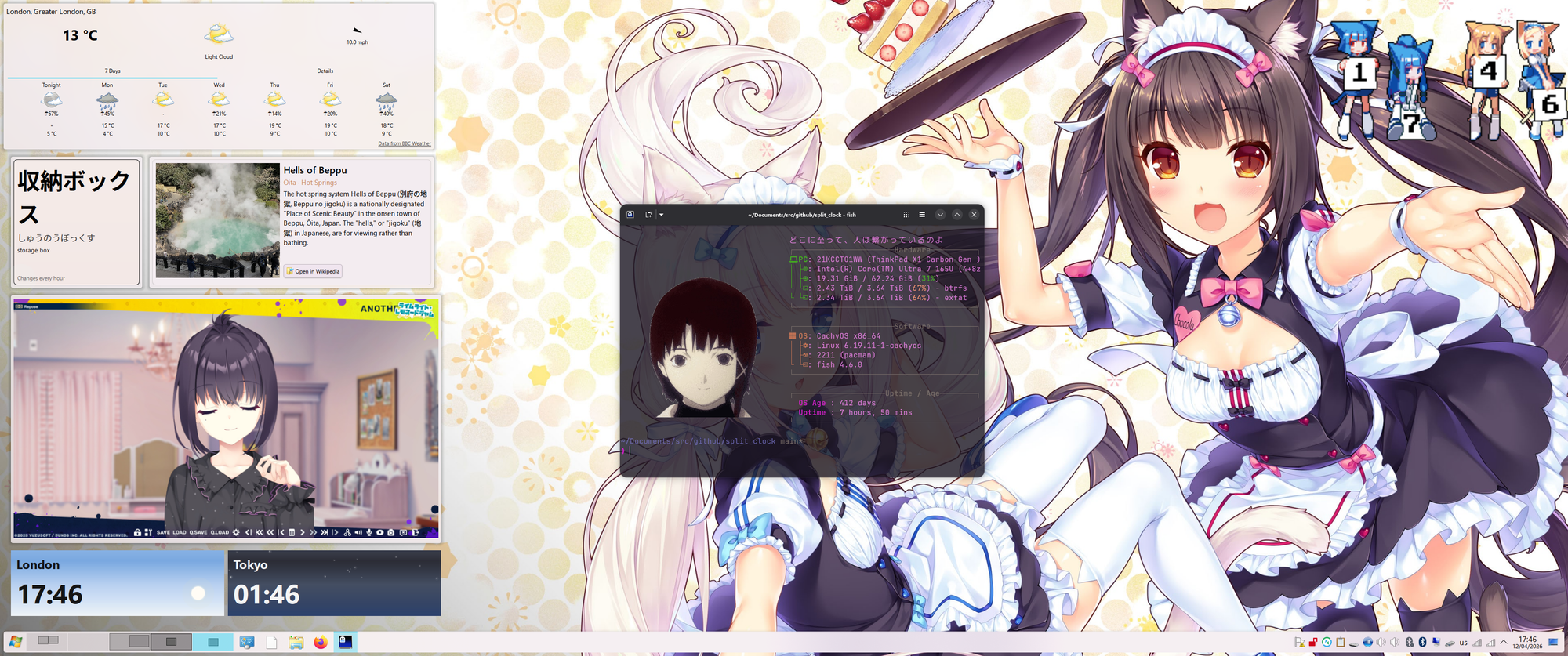
This is my current desktop!