Speedrunning Dictionary Imports: A Race Between Apps


Speedrun fans: play this
On the 1st of January, 2026 importing a dictionary of every Japanese name took 3 hours.
Thousand and thousands of hours were spent by people optimising dictionary imports to make them as fast as possible.
Through hours of compression, you could get it down to a humane 1 hour 36 minutes.
But still, 1 hour 36 is too long. No one wants to spend hours importing a dictionary. But if we make the dictionary too small, it's not useful.
Developers had chosen a middle ground. They had long forgone including names from anime or manga, as it simply was too many. Instead they opted for visual novels.
When all hope was lost in creating the ultimate name dictionary, it happened.
One crazy developer gets it down to 90 seconds, a decrease of 95% – a far cry from the current number 1 on the leaderboard.
His findings spawned an informal speedrunning competition, where developers across the world seemingly found impossible tricks and had to rethink dictionaries in ways previously unimaginable.
All to answer one simple question:
Who can import dictionaries the fastest?
The Start of the Race
First, a few basics.
Japanese names are weird.
So weird, in fact, the average Japanese speaker has no clue how to read someones name. No, seriously. The first thing they ask upon hearing someones name is:
お名前は、漢字ではどのように書きますか。
Or in English:
How do I write your name?
You see, Japanese has three alphabets. Hiragana, Katakana and Kanji.
There are 46 Hiragana characters.
46 Katakana characters,

51,398 Kanji characters.
But don't worry! You only need to memorise around 3000 realistically. Well, 5000 if you plan to go into university or something.
Each Kanji can have multiple ways to say it.
生 is read as "nama" – fresh, natural, raw, live, etc.
But it doesn't just mean "nama". It can also be read as ikiru, umareru, haeru, and about 150 other readings.
So you don't just need to memorise 5000 but also a lot of readings too. Something more like 15,000 items.
What's in a Japanese name?
Japanese names typically use kanji, for example "大翔" has 2 kanji.
- 大 - Big, read as "dai" or "oo".
- 翔 - Soar, read as "to" or "bu".
Together as a name they are typically read as "hirohito", which means "soaring greatly".
But actually, that name can also be read as:
- Haruto
- Yamato
- Taito
- Daito
- Taiga
- etc etc
So you see, there are 2 big problems with Japanese names:
- Just because you can physically see a name on the screen does not mean you know how to read it. You can guess, but you may be wrong.
- If someone says their name to you, you have no idea how to write it.
for (1) authors will write the name in another alphabet to explain it.
For (2) you have a really cute conversation with someone over their name. Usually something like "Wow! Your parents picked pretty kanji, I like it".
Even Japanese people suffer with names.
The Problem
As a learner to Japanese, I have a really fun problem.
When reading a book, playing a game etc I genuinely have no idea what someone is called unless it is explicitly stated to me. Multiple times.
Japanese people will see the name in hiragana once and remember it, but for me I can't do that. I'm too new to the language to do that.
The Solution
In the interwebs there exists many a dweeb, nerd, otaku or worse – an AI bot.
These wonderful nerds spend all their time cataloguing data.
There are websites like VNDB or Anilist where people catalogue every visual novel, anime, light novel or manga to exist.
These same people go out of their way to learn the character names and create wonderful catalogues of them.
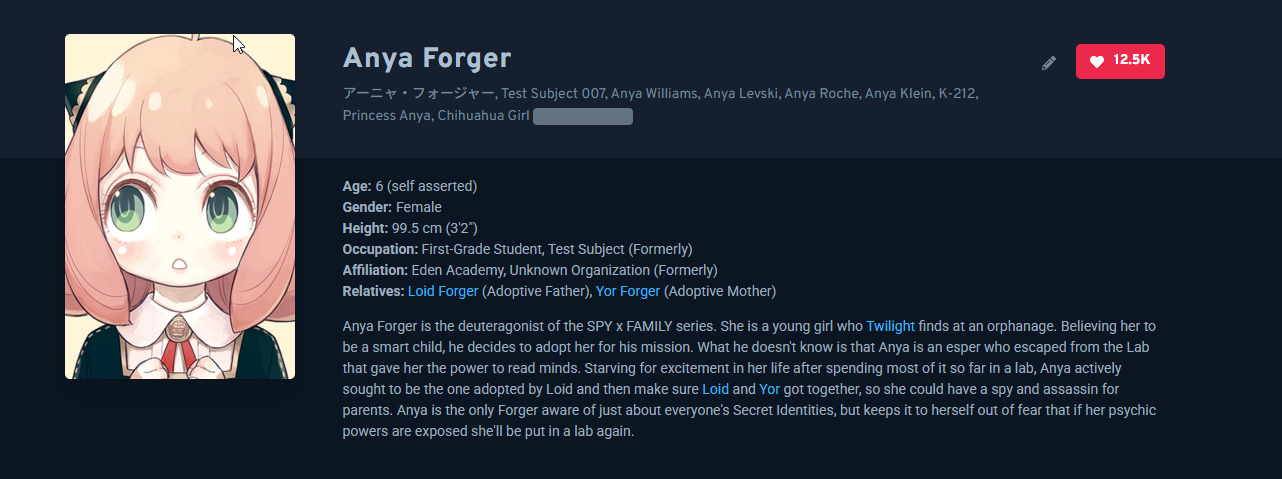
You can look up your favourite anime and find the characters name, official spelling, all nicknames, and information about them.
As a learner this is massive!
Since I play a lot of games, I use GameSentenceMiner to be able to use Yomitan in game.
🥱 Yomitan is a dictionary app. You download dictionaries and can look things up.
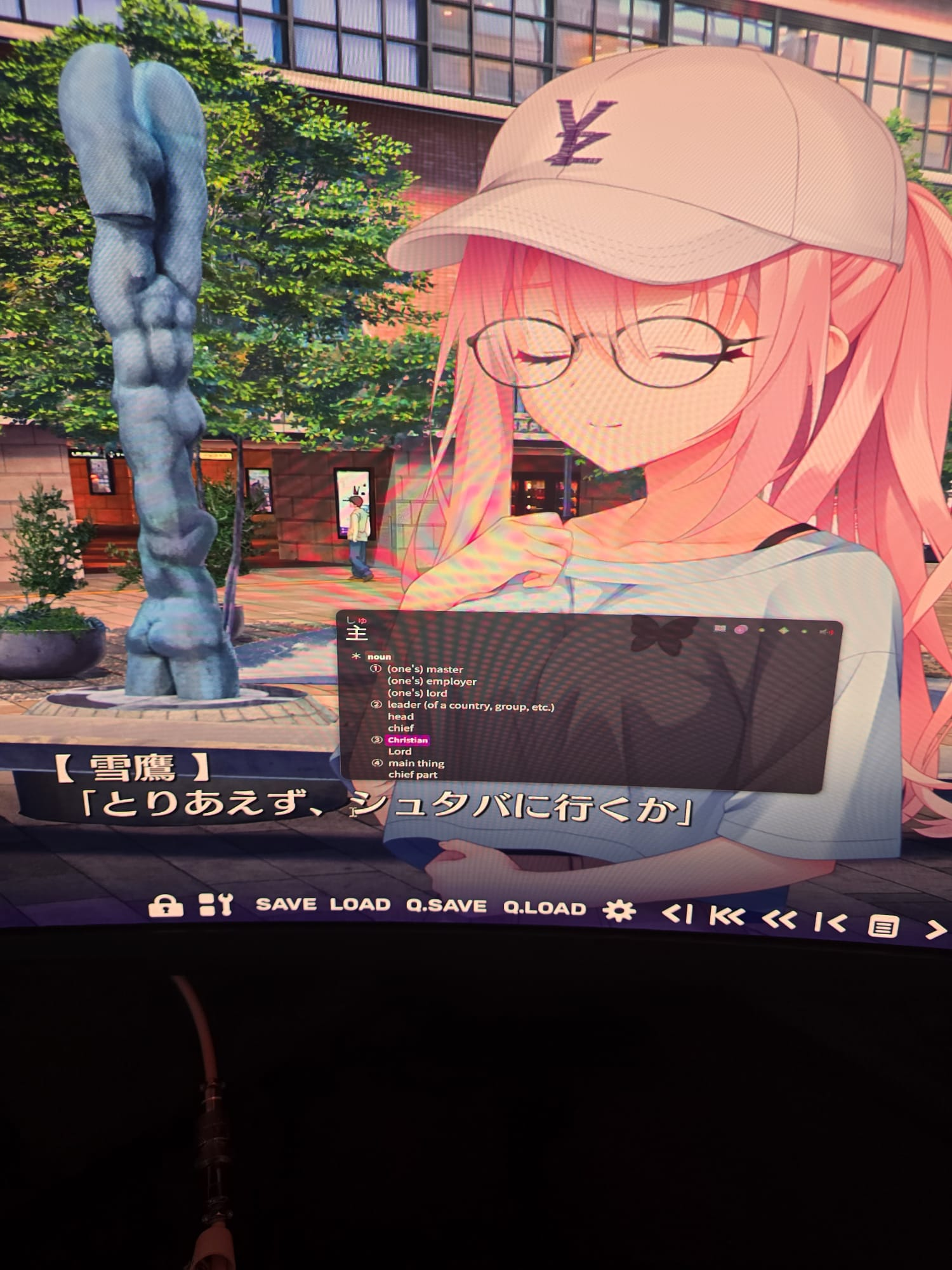
Here is me looking up a word in Yomitan.
So last year I contributed to GameSentenceMiner a fancy dictionary.
Anytime I played a new game, it would automatically update to have character information in it.
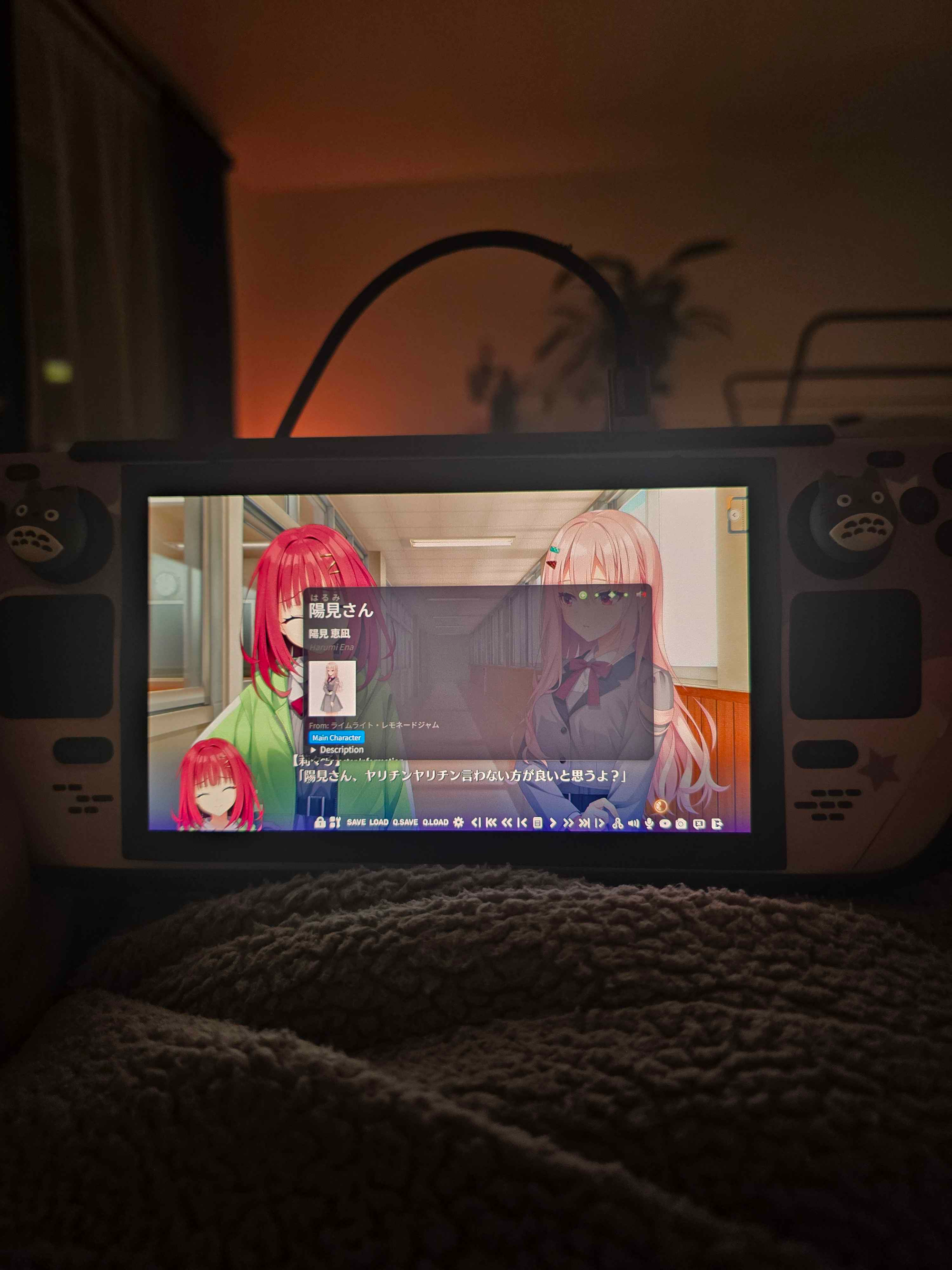
Not only the name, but a description and image too.
No longer did I have to guess Kanji names! I could see them right there, in my dictionary!
But then someone said to me:
I don't use GSM, is there anyway you can make this for my game? 😦
So then I thought... Hey... I had written code to make this work for a game.
What if I just go through all visual novels on VNDB and do it for them?
After doing that, it ended up being around 3 gb. For a dictionary. FOR A DICTIONARY!?!
So I cut it back. I compressed it immensely. I removed features.
No more anime / manga / lightnovel support. Only visual novels. Other creators of similar dictionaries agreed with me.
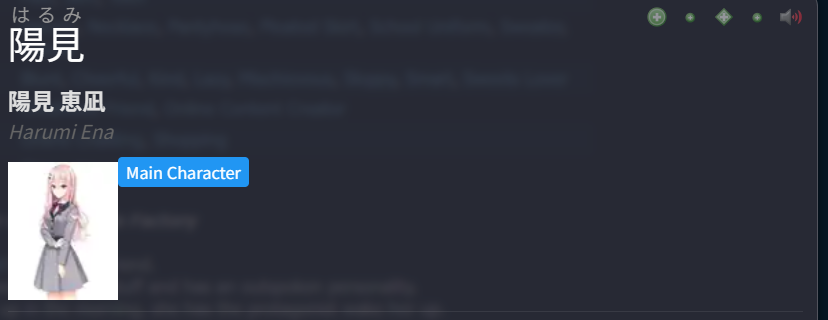
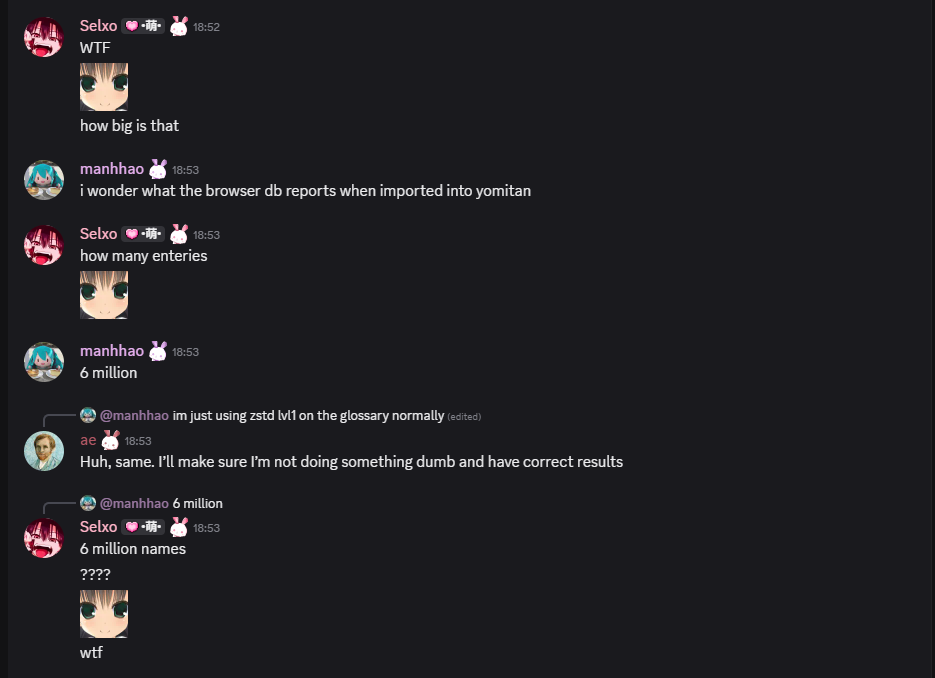
This became 300mb, or about 6 million name entries.
6 million entries for names is a lot.
It took me 1 hour to import it into Yomitan. 30 minutes to import it into a competitor app named JL.
Basically, this dictionary was impossible to use. It took so long to import into any app it just wasn't worth it.
The Race
It all started when a friend of mine, who builds Manabi an app for learning Japanese on IOS, mentioned he is doing performance work to improve Manabi's speed.
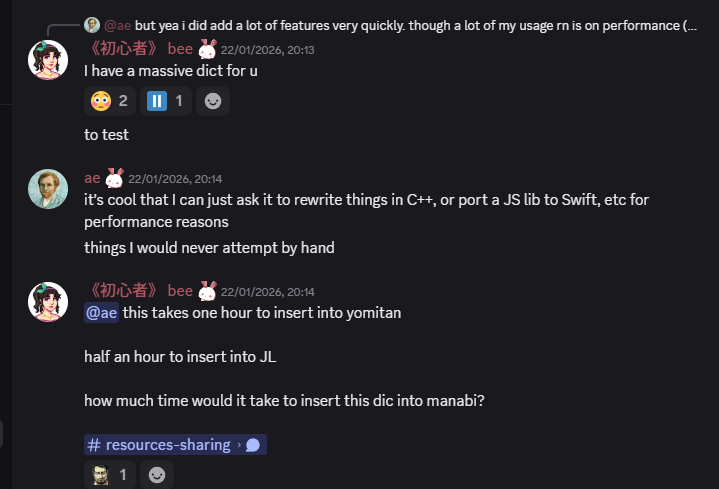
I hit him with a quick "hey try out my massive dict".
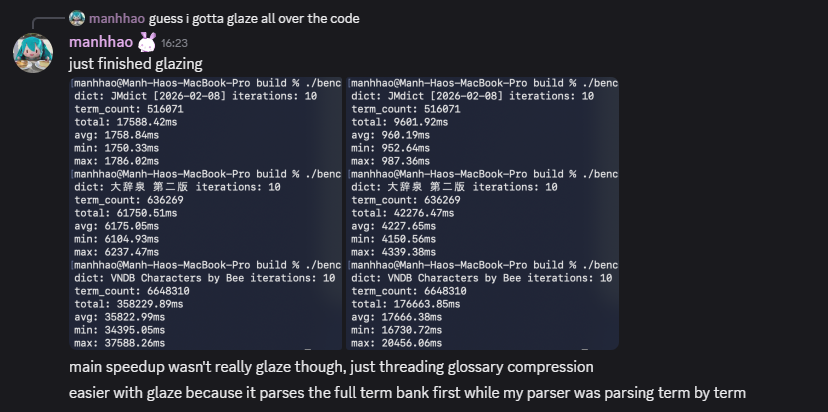
Manhhao, who is building a Manabi competitor was the first to complete a run.
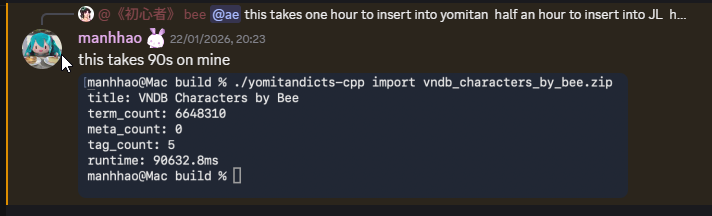
90 seconds. That's a 97.5% decrease!
Manhhao achieved this by writing their own JSON Parser specifically for the Yomitan dictionary schema.
Yomitan dictionaries are JSON files.
You know how in infrastructure everything is a YAML? Well in dictionaries it's either HTML, or JSON masquerading as HTML.
Yomitan dictionaries contained "structured content" which are just nested JSON structs pretending to be HTML.
When you import a Yomitan dictionary, a traditional JSON parser goes through every single term and does something like:
json["glossary"][0]["tag"]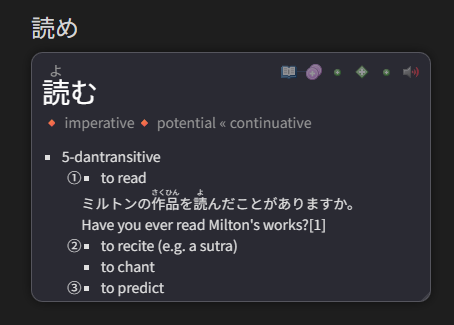
You can see how it would be nested JSON once you look at a dictionary that uses it.
Instead of parsing JSON at import time, Manhhao had a thought similar to that of Charlie Munger.

Instead of parsing all JSON at import time, why don't we parse it once the user looks it up?
Since they are rendering it with Javascript, parsing the JSON from a single index and rendering the HTML is trivial.
This increases dictionary lookups slightly, but decreases imports significantly.
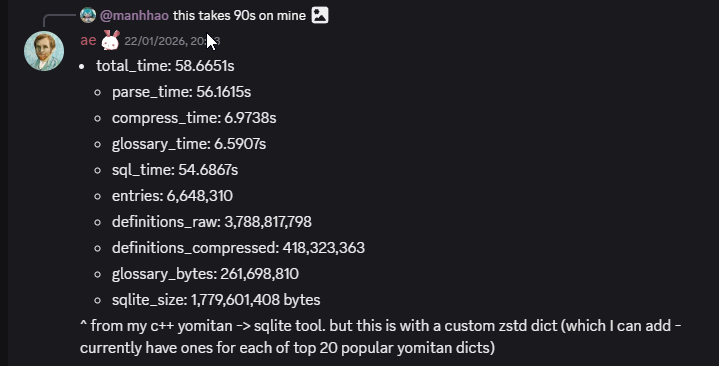
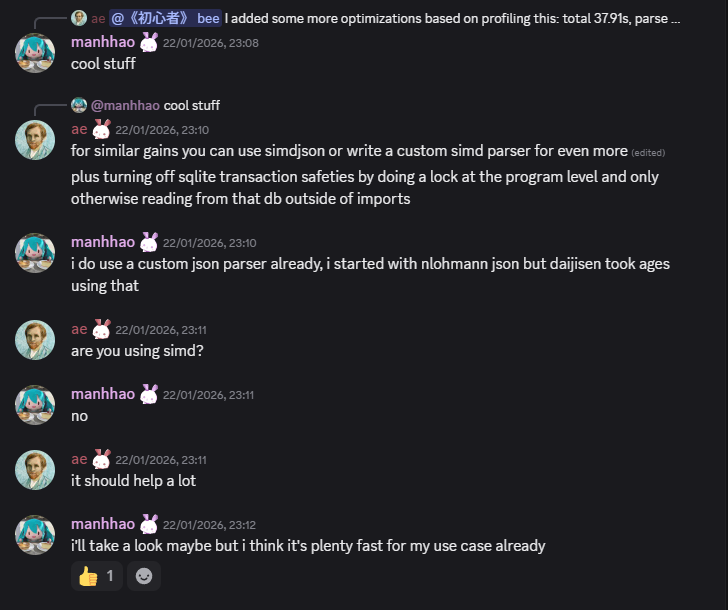
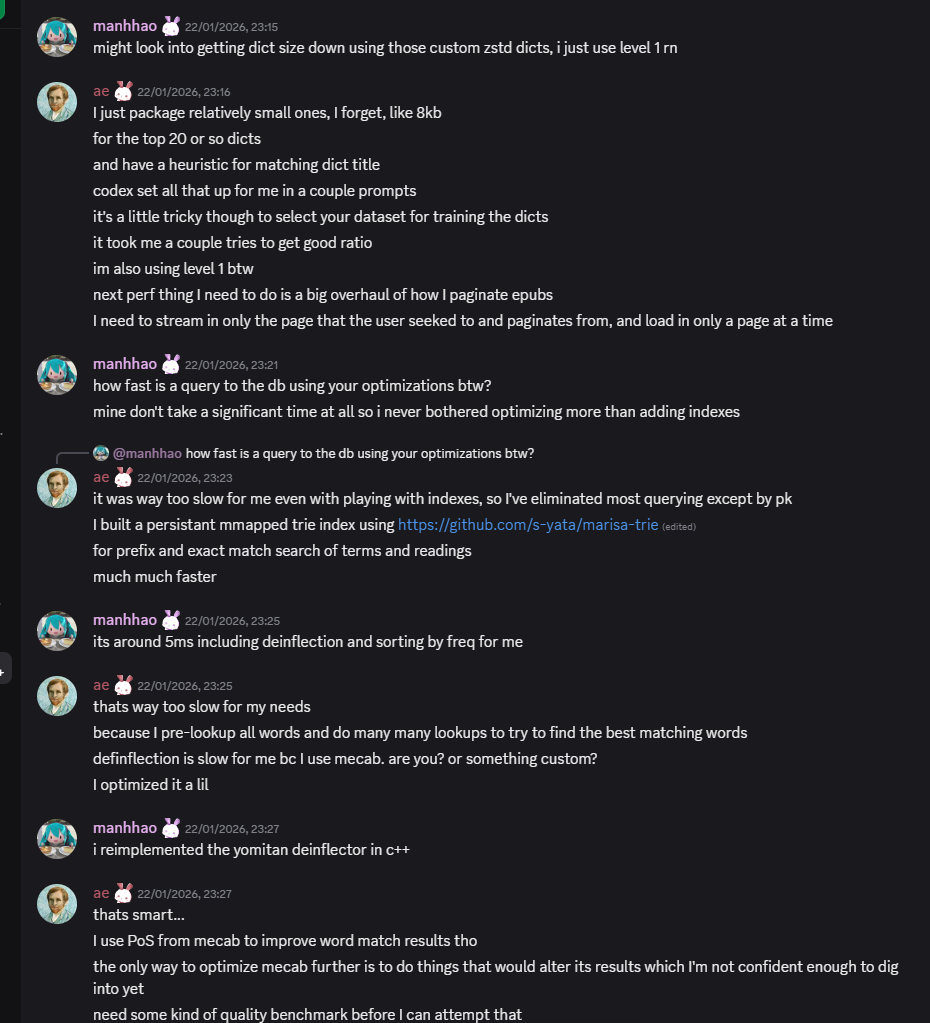
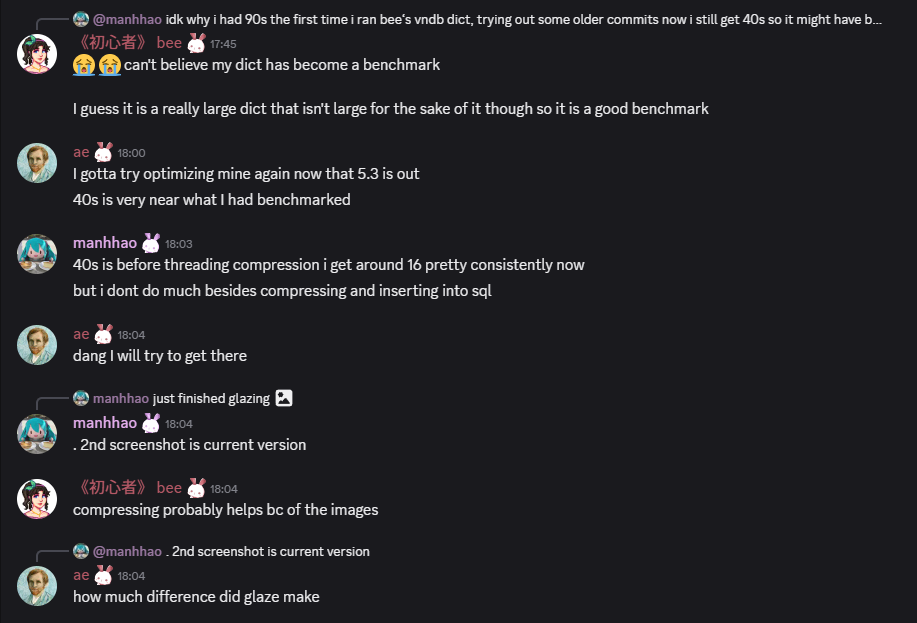
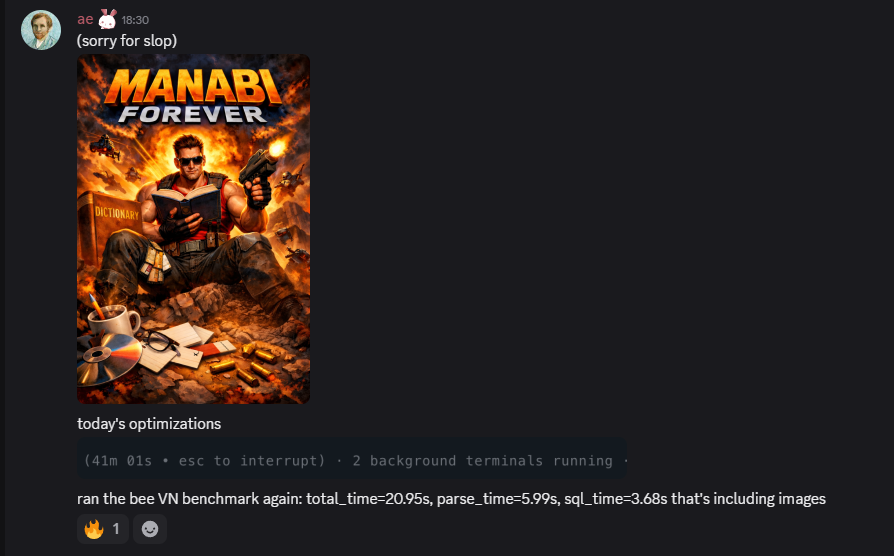
Then 5 minutes later Manabi claps back with 58 seconds. The first sub 60!



What's in a Yomitan dictionary, anyway?
Desribe what a dict is and what it contains, and how we build it
second round

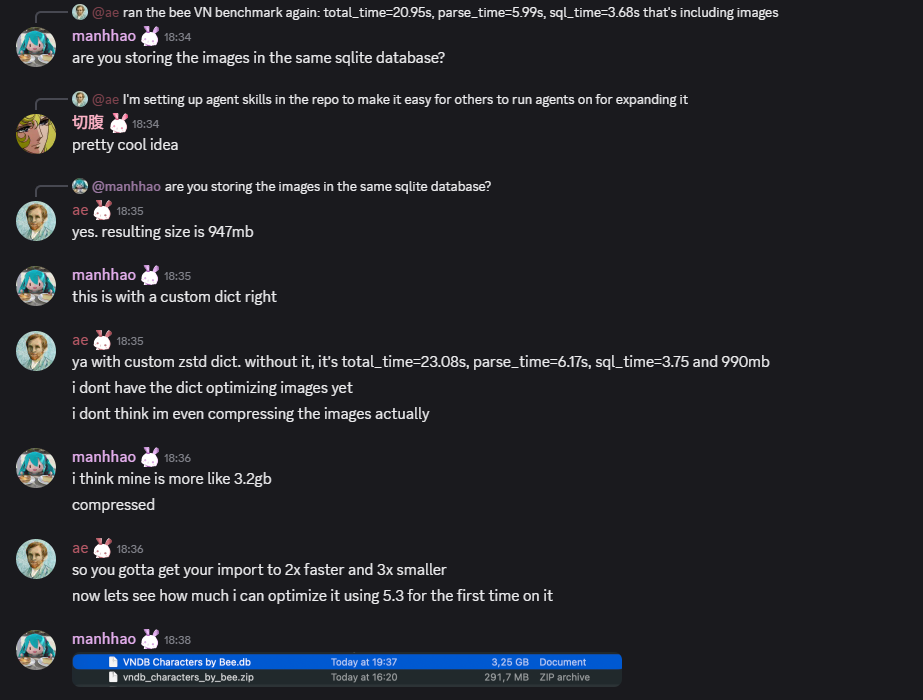
The race is on

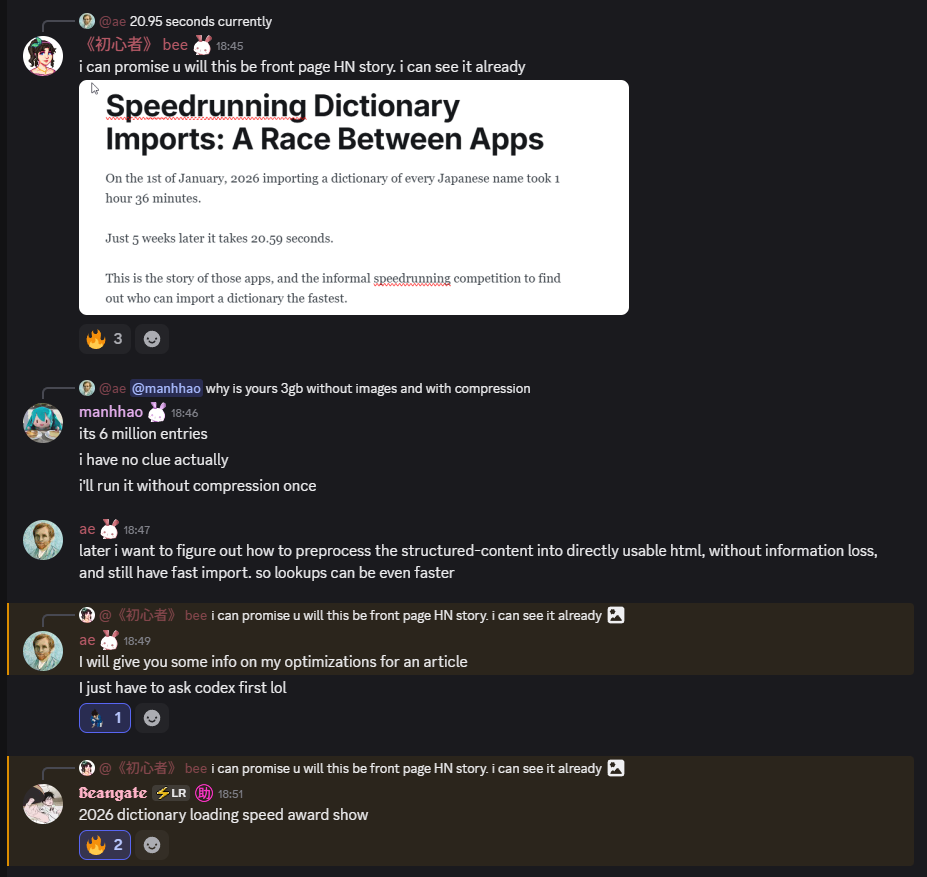
At this point I dm'd ae to ask for help.
ae has significantly more resources than I do in terms of compute, storage and bandwidth.
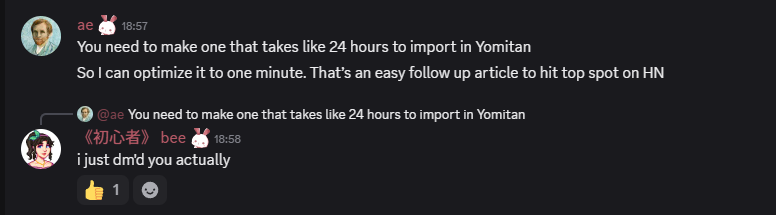
So I hit him up.
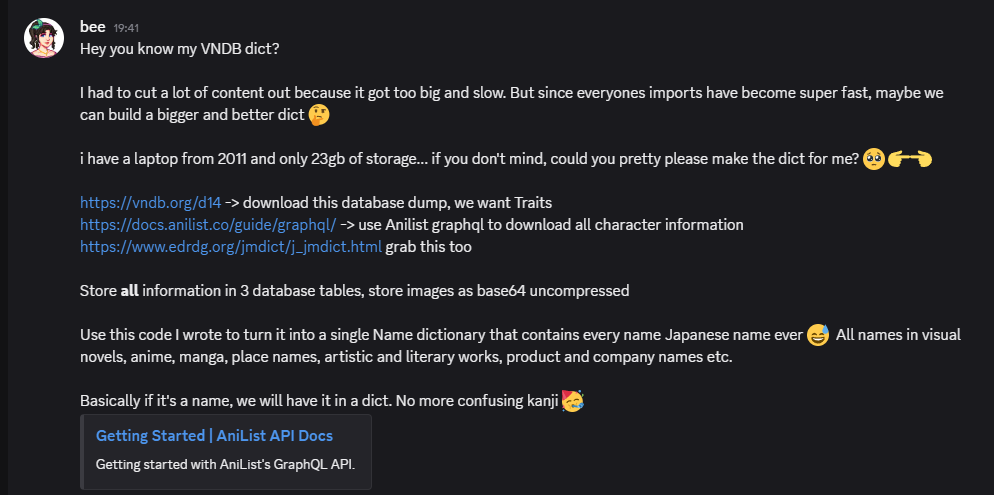
ai usage